
- To begin, click on Manage Workspace.

- Next, click on Reports, then select Data Room Index.

- Click Run Report.

- Tick Use document view sort order, then click Run report.

- Users can download the Data Room Index as a CSV, PDF, or Word document.
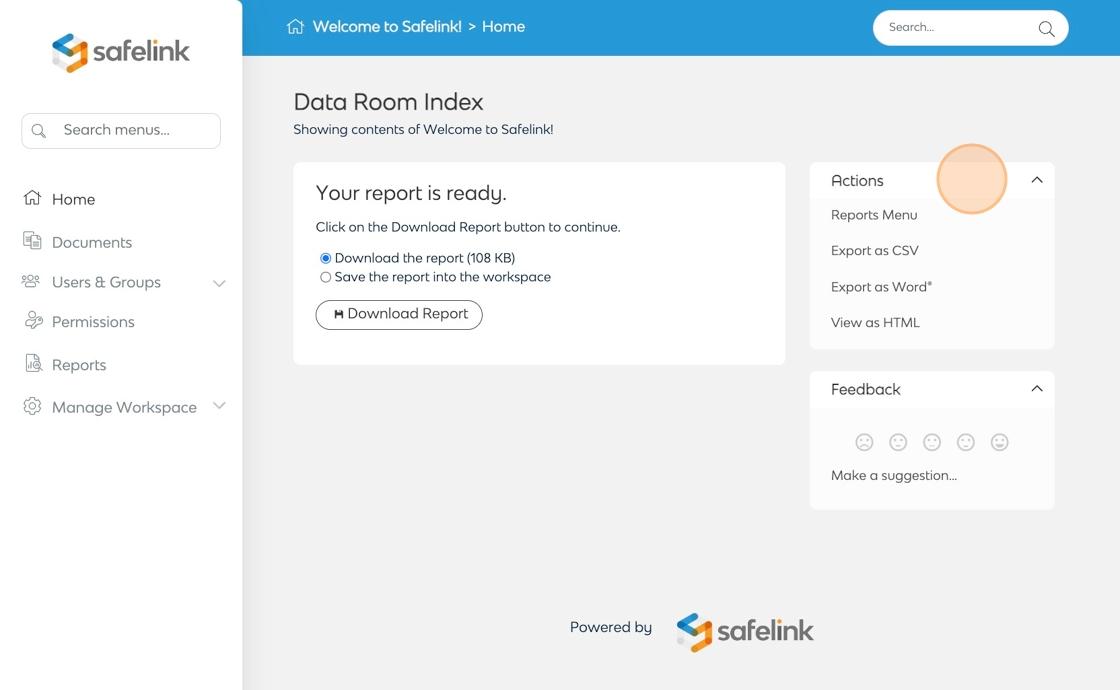
- Lastly, click Download Report.

The Data Room Index Report is available by default to all workspace managers. The Data Room Index app is needed to make this report available to all users.