![safelink-logo-rgb_18sefvp.png]](https://help.safelinkhub.com/hs-fs/hubfs/safelink-logo-rgb_18sefvp.png?height=50&name=safelink-logo-rgb_18sefvp.png)
How to Set Up Groups - Gen 4
How to Set Up Groups - Gen 3
How to Set Up Groups - Gen 4
-
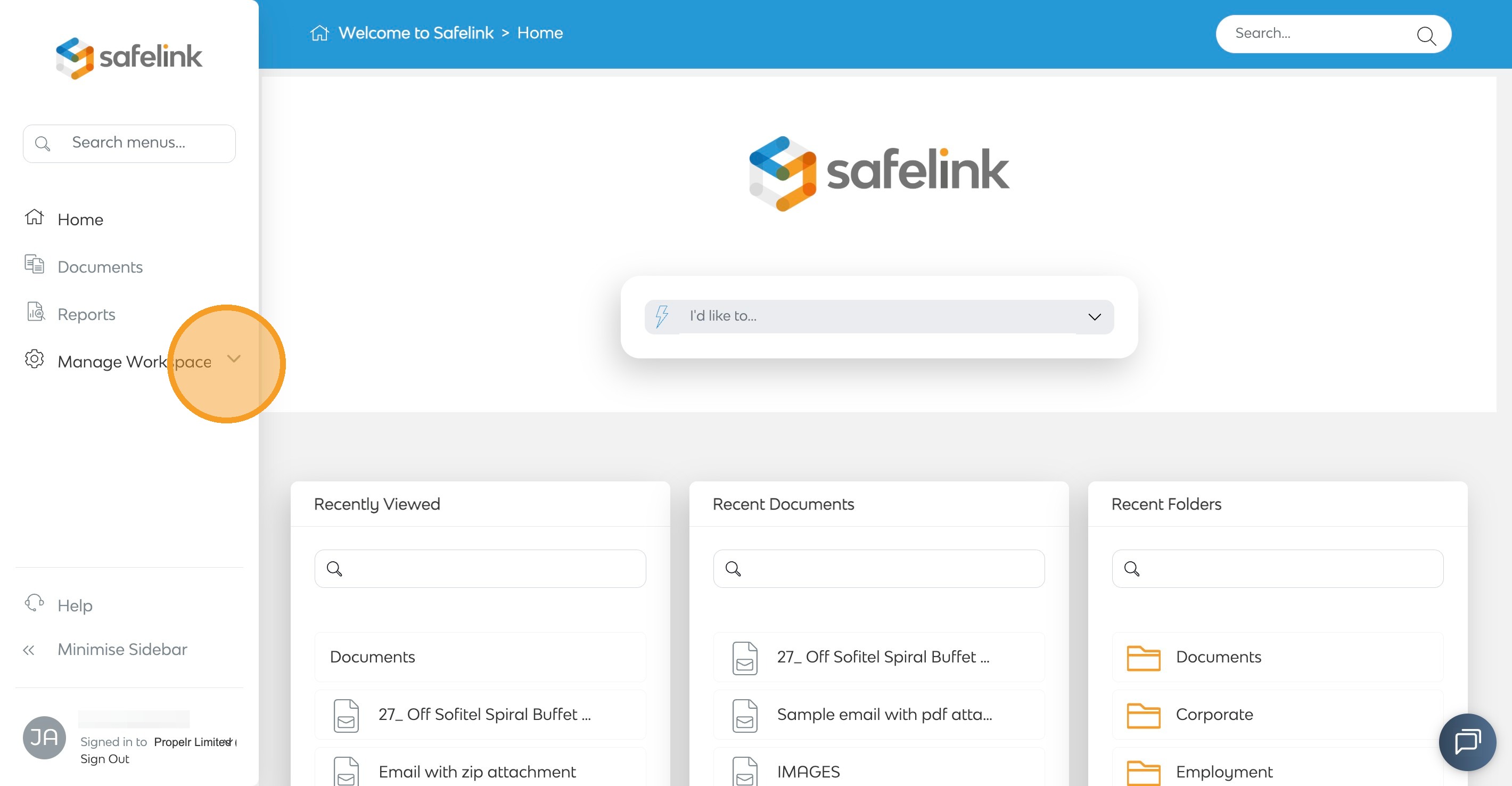
To begin, click Manage Workspace.
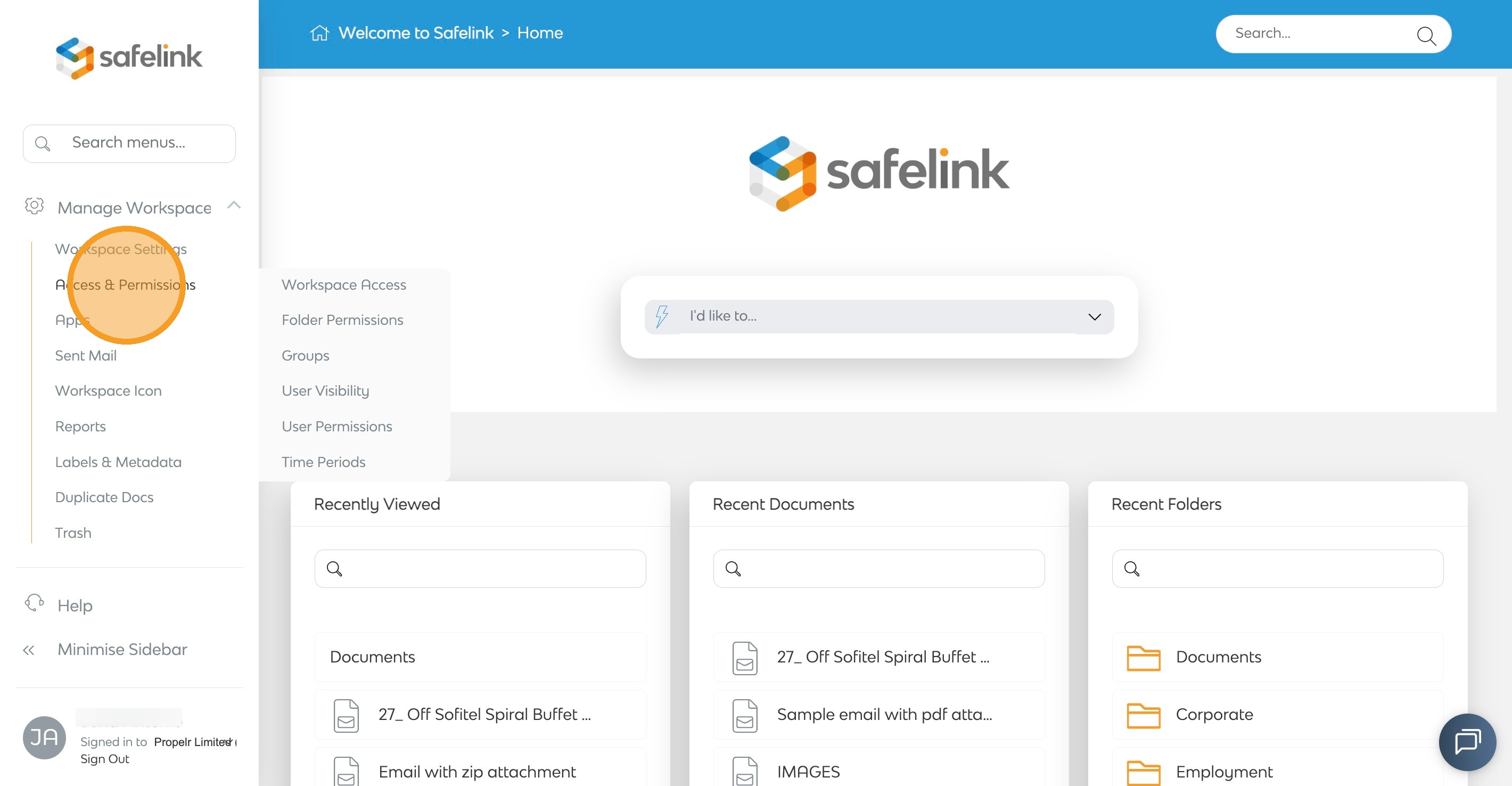
- Click Access & Permissions.
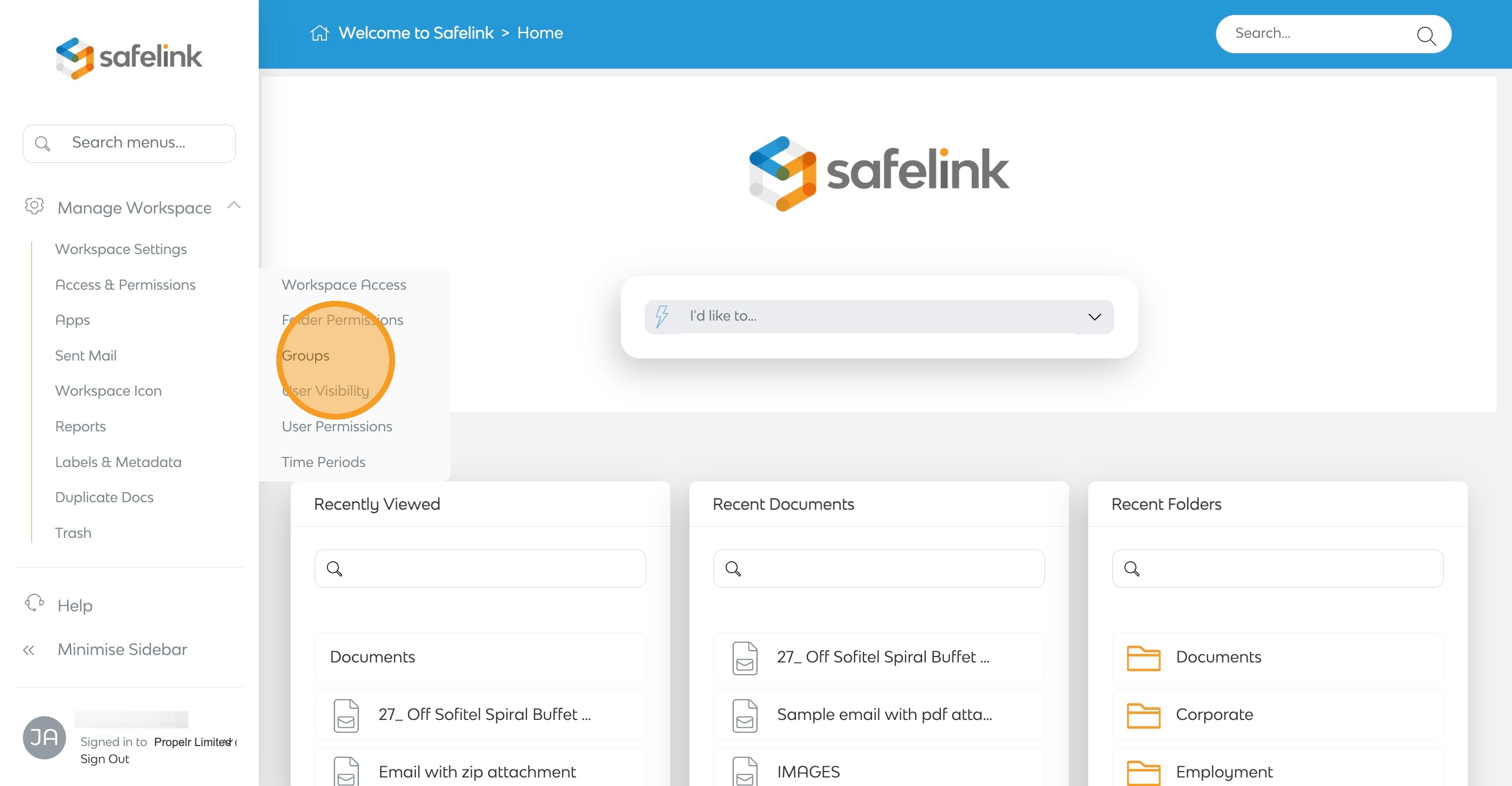
- Click Groups.
- Select Create a New Group from the actions menu on the right.
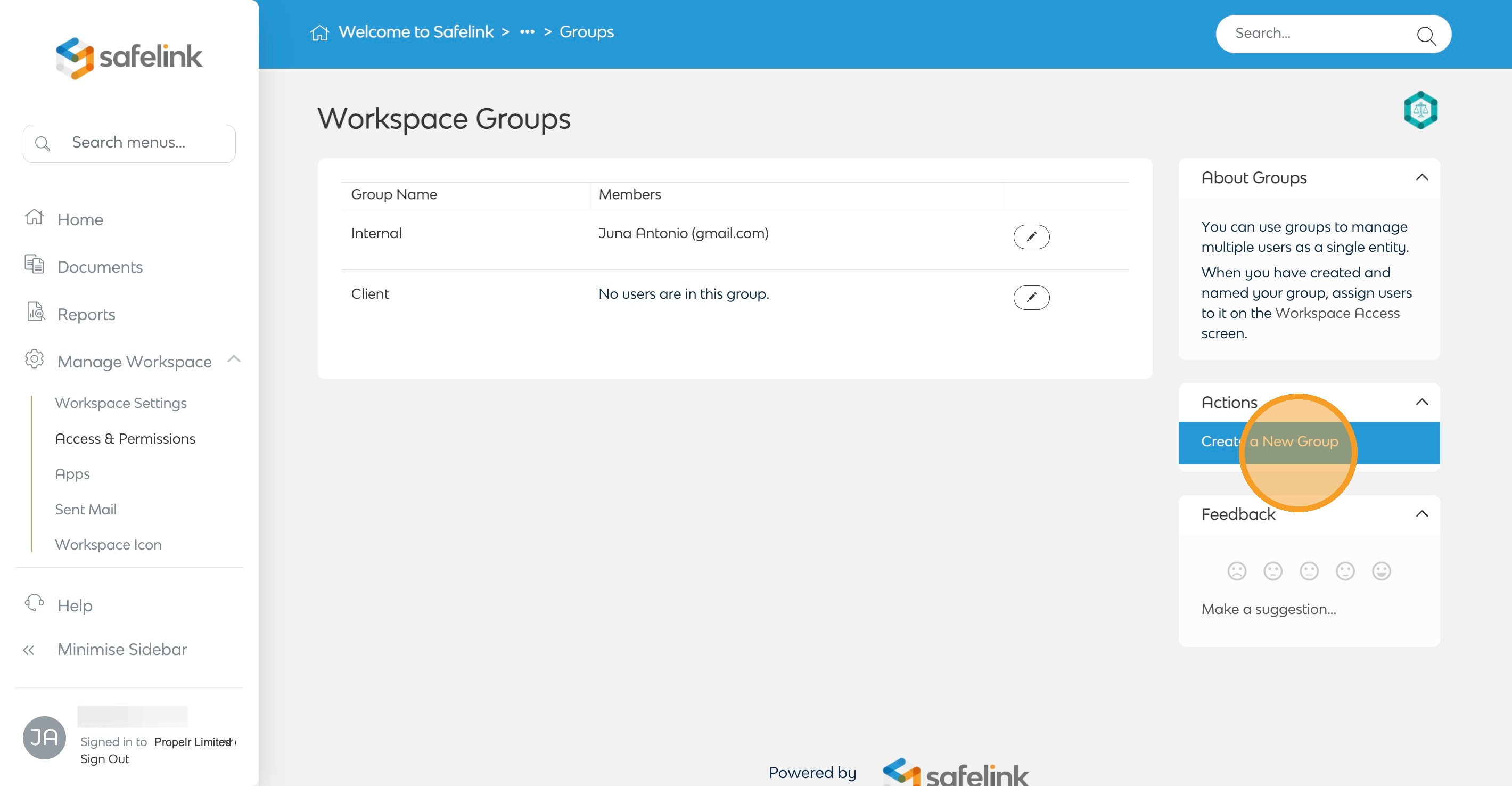
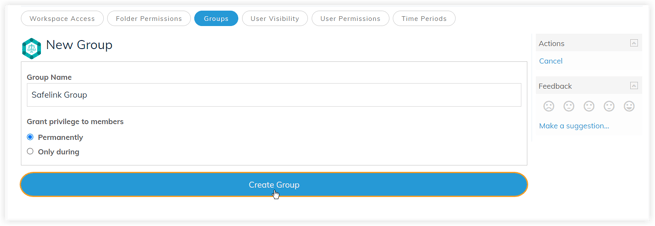
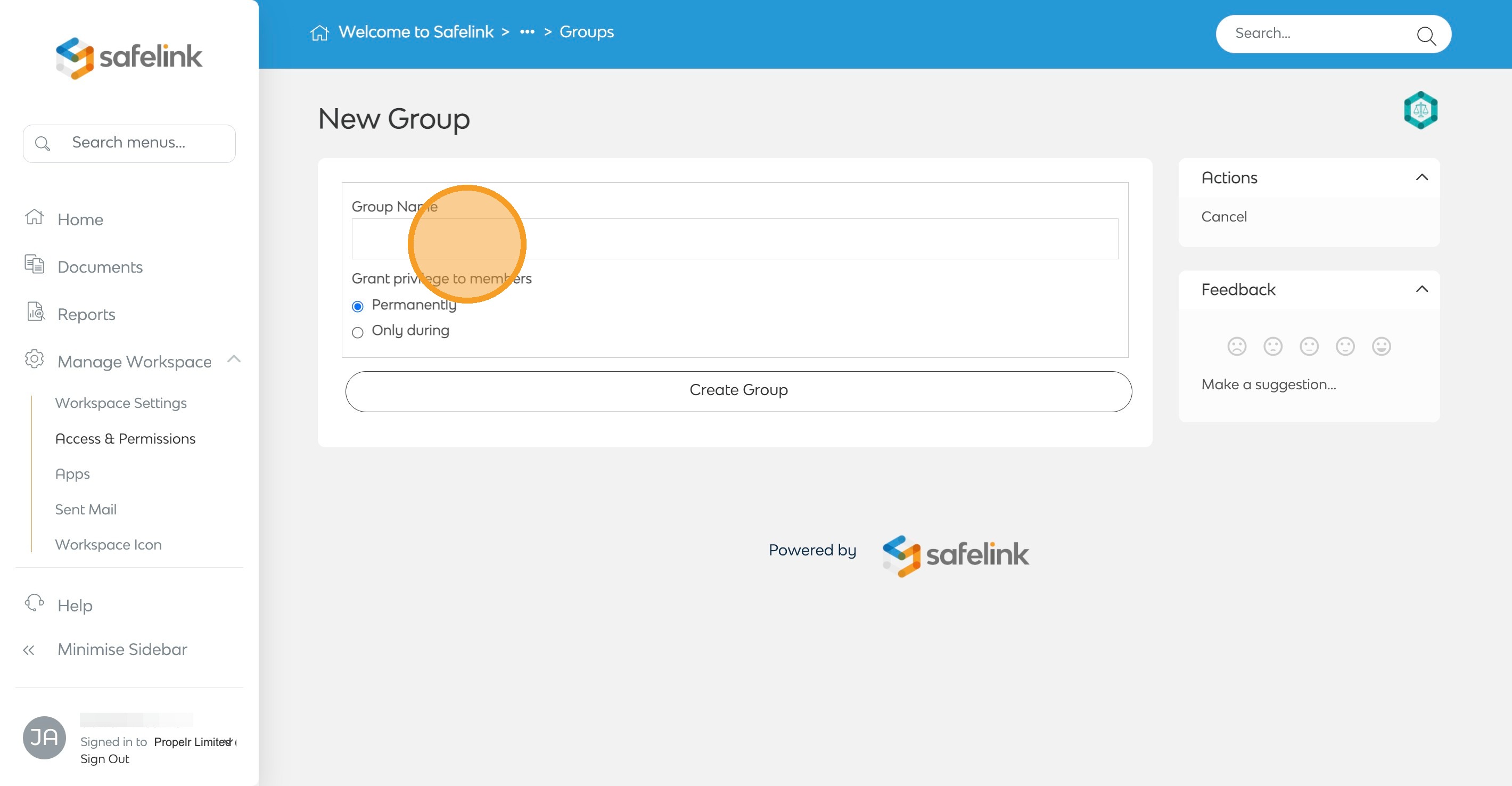
- Enter the group name.
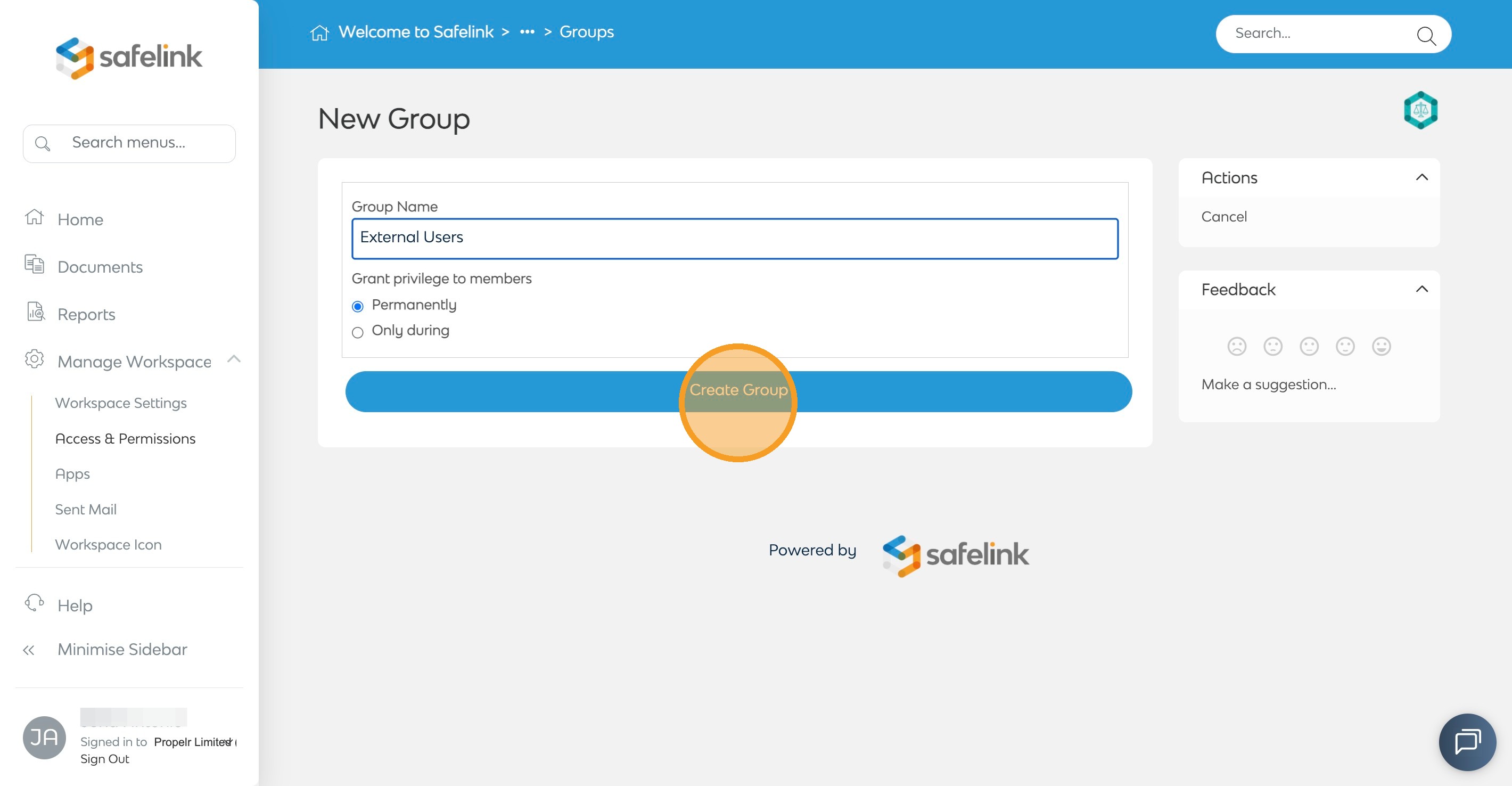
- Click Create Group.
How to Set Up Groups - Gen 3
- To begin, click Manage Workspace.
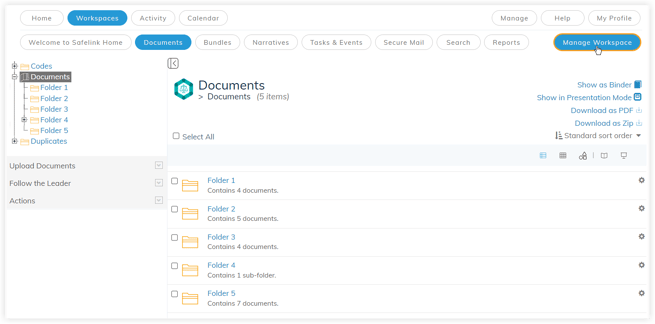
- Click Access & Permissions.
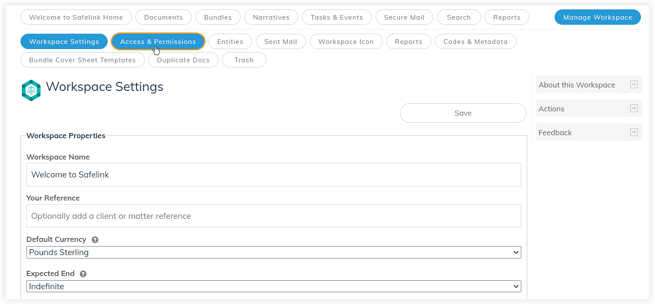
- Click Groups.
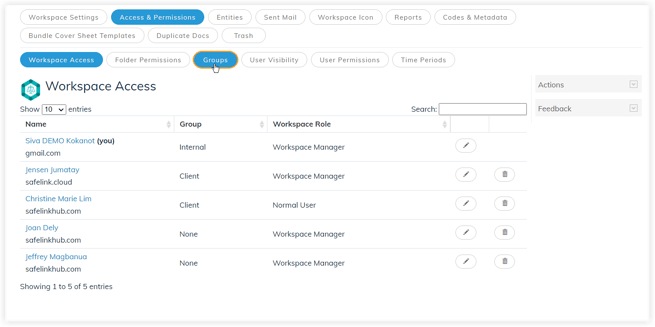
- Select Create a New Group from the actions menu on the right.
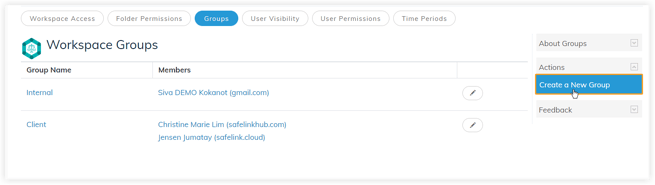
- Enter the group name.
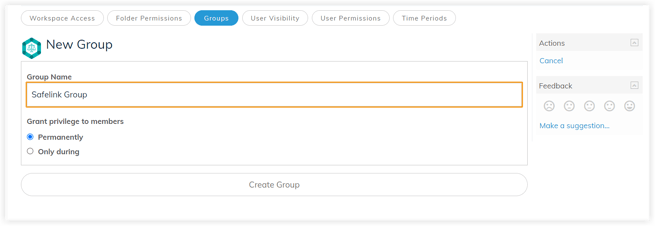
- Click Create Group.