
-
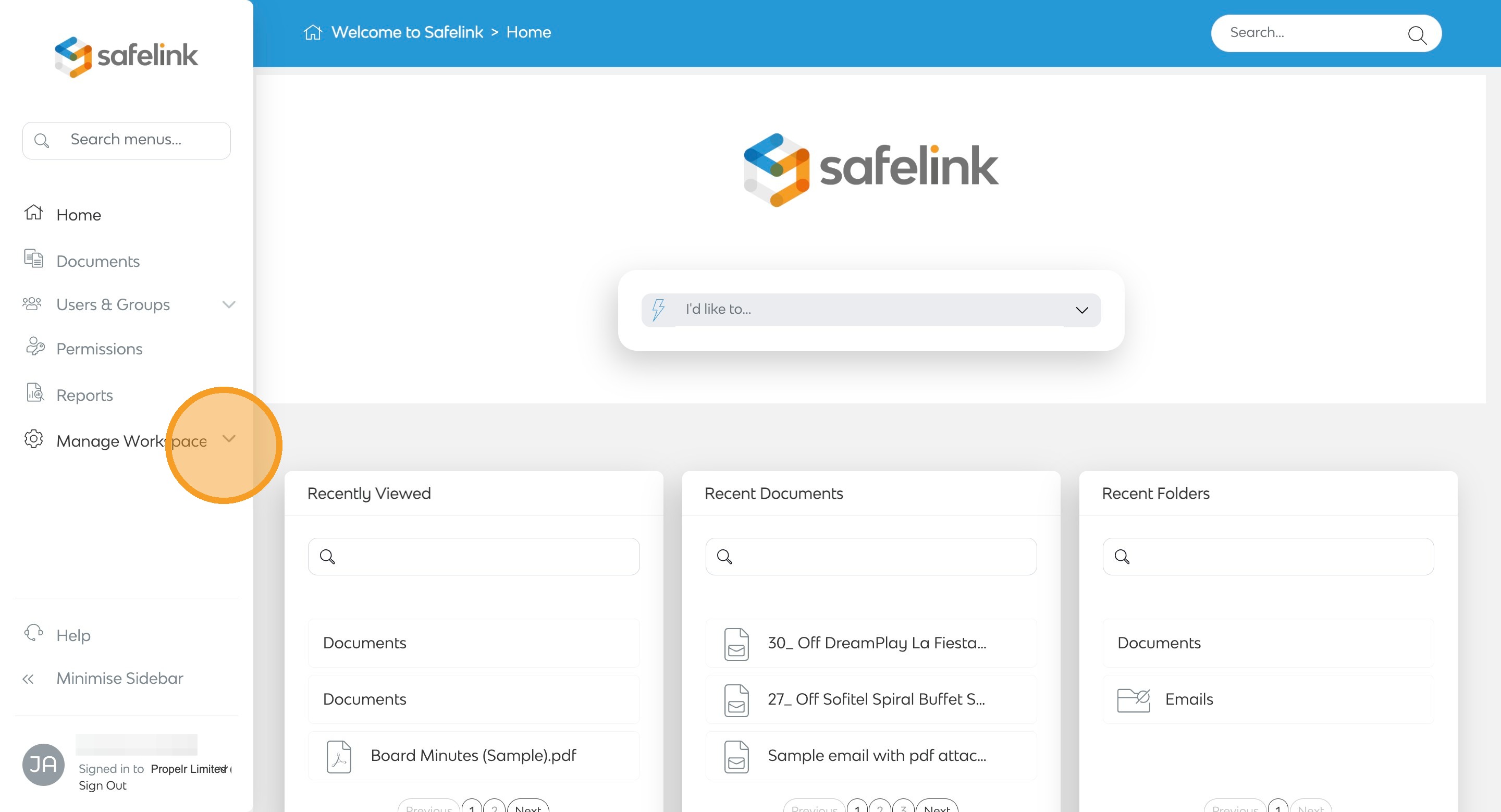
To begin, click on Manage Workspace.
-
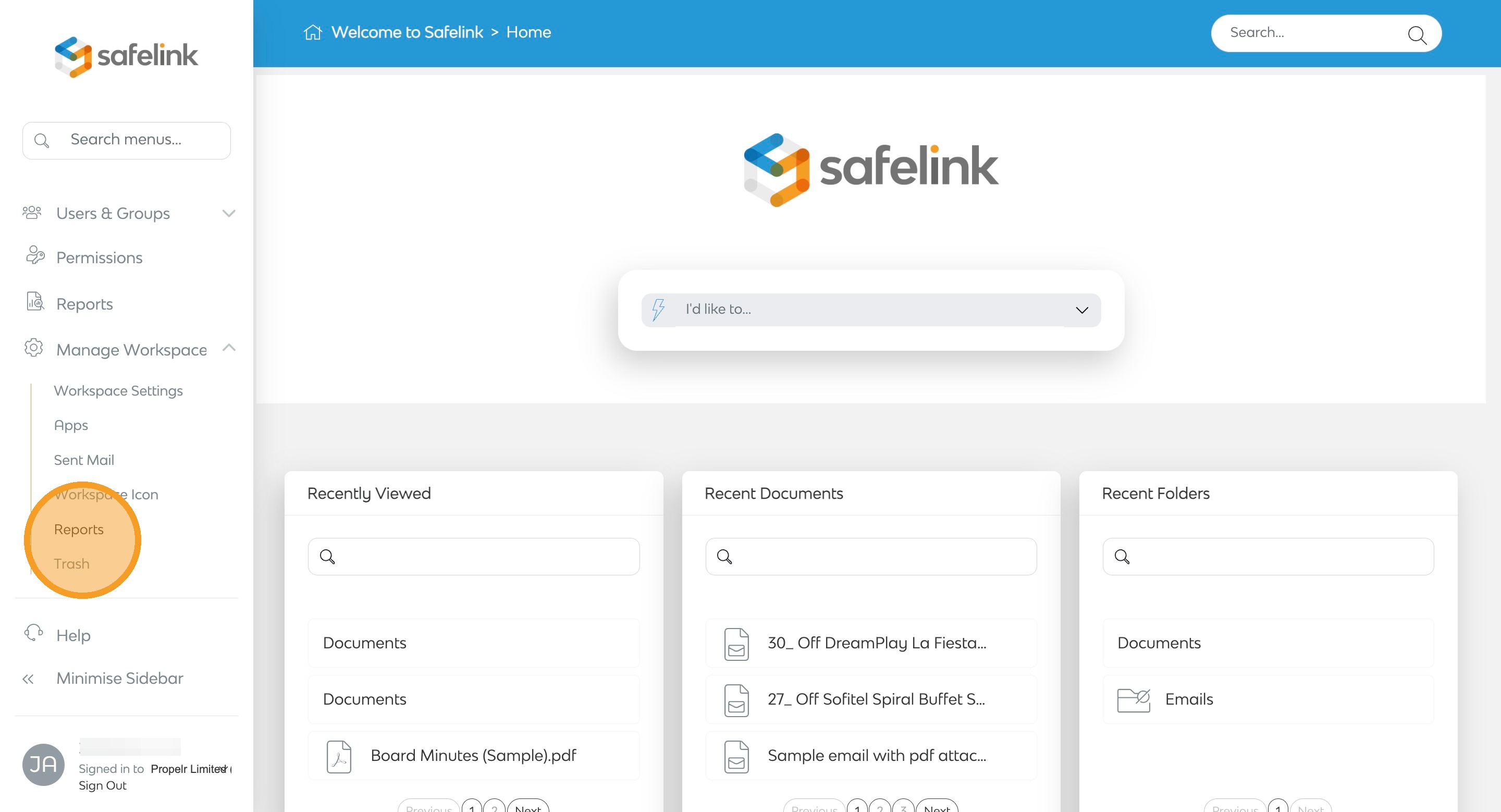
Next, click on Reports.
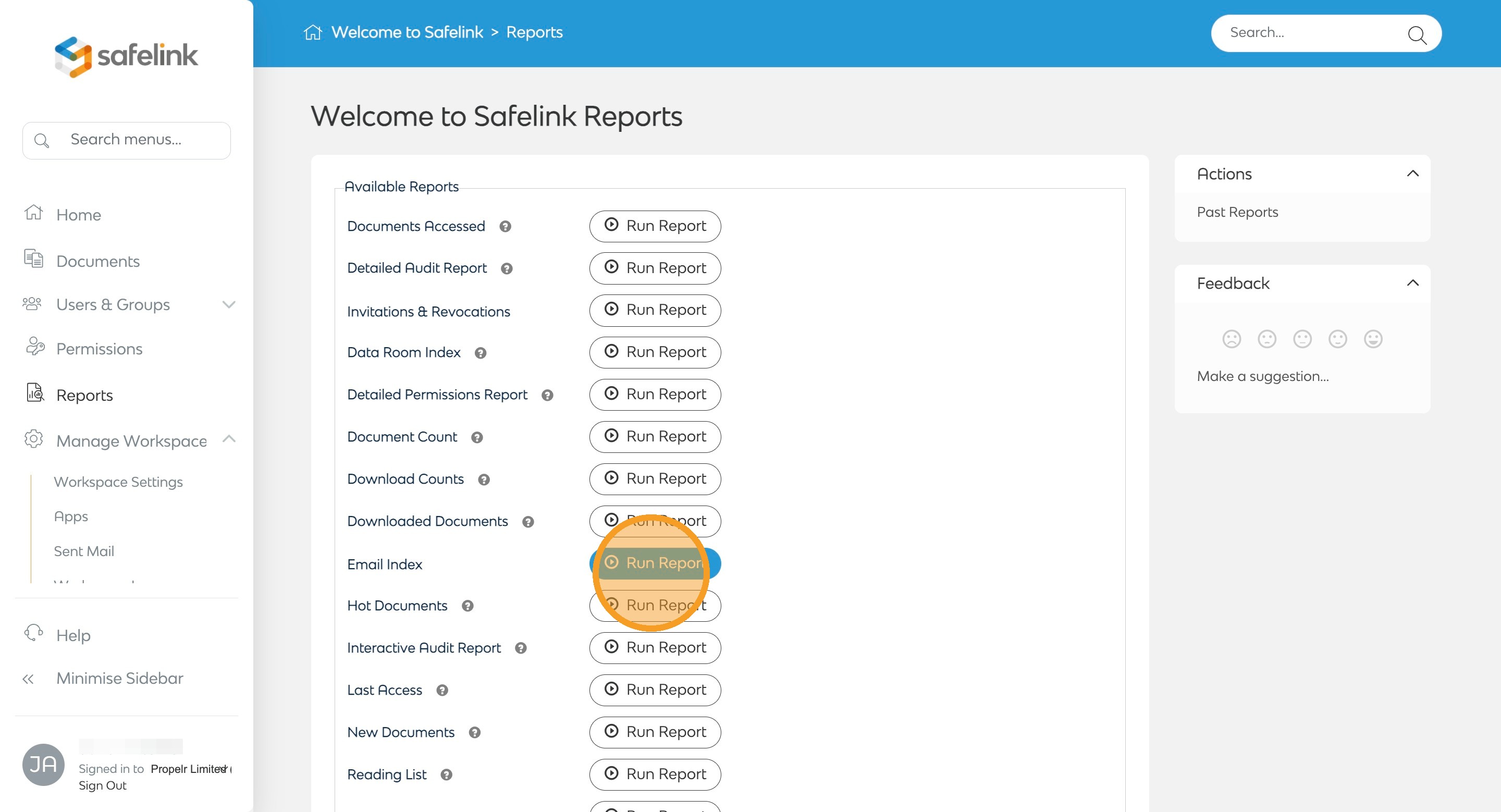
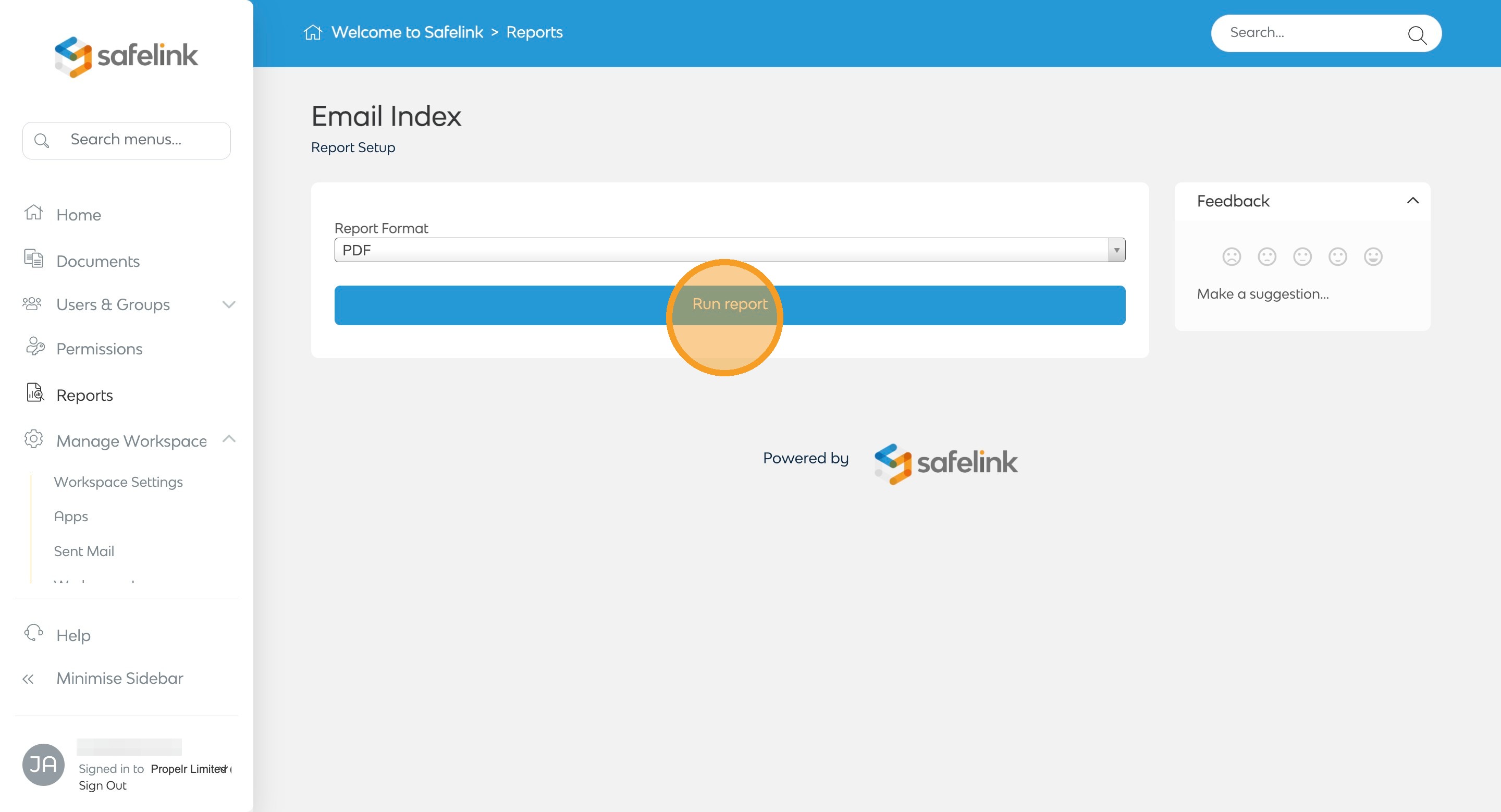
- In the report list, scroll to Email Index, and click Run Report.
- Users can download the Data Room Index as a CSV, PDF, or Word document.
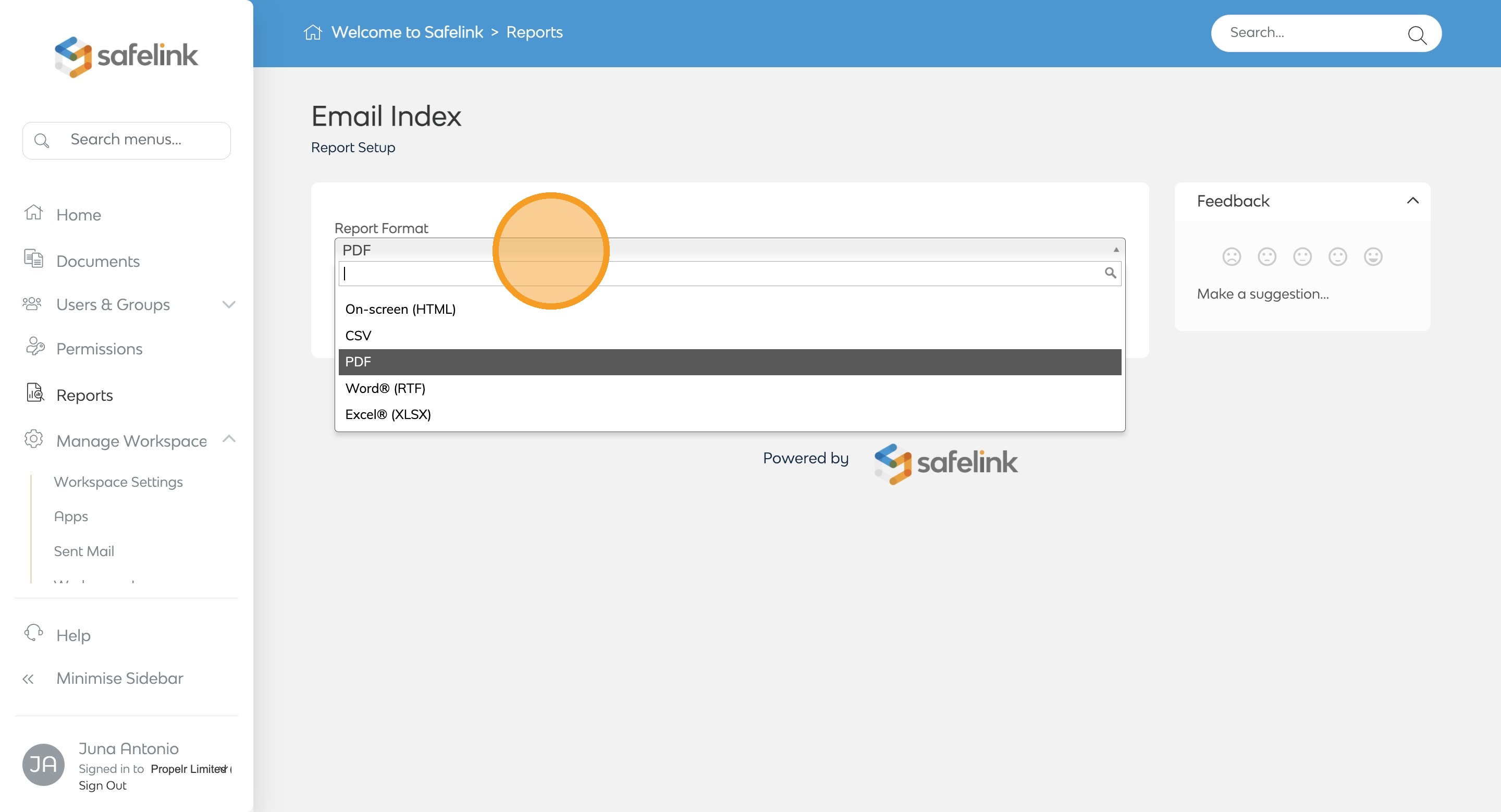
- Then click Run report.
- Lastly, click Download Report.
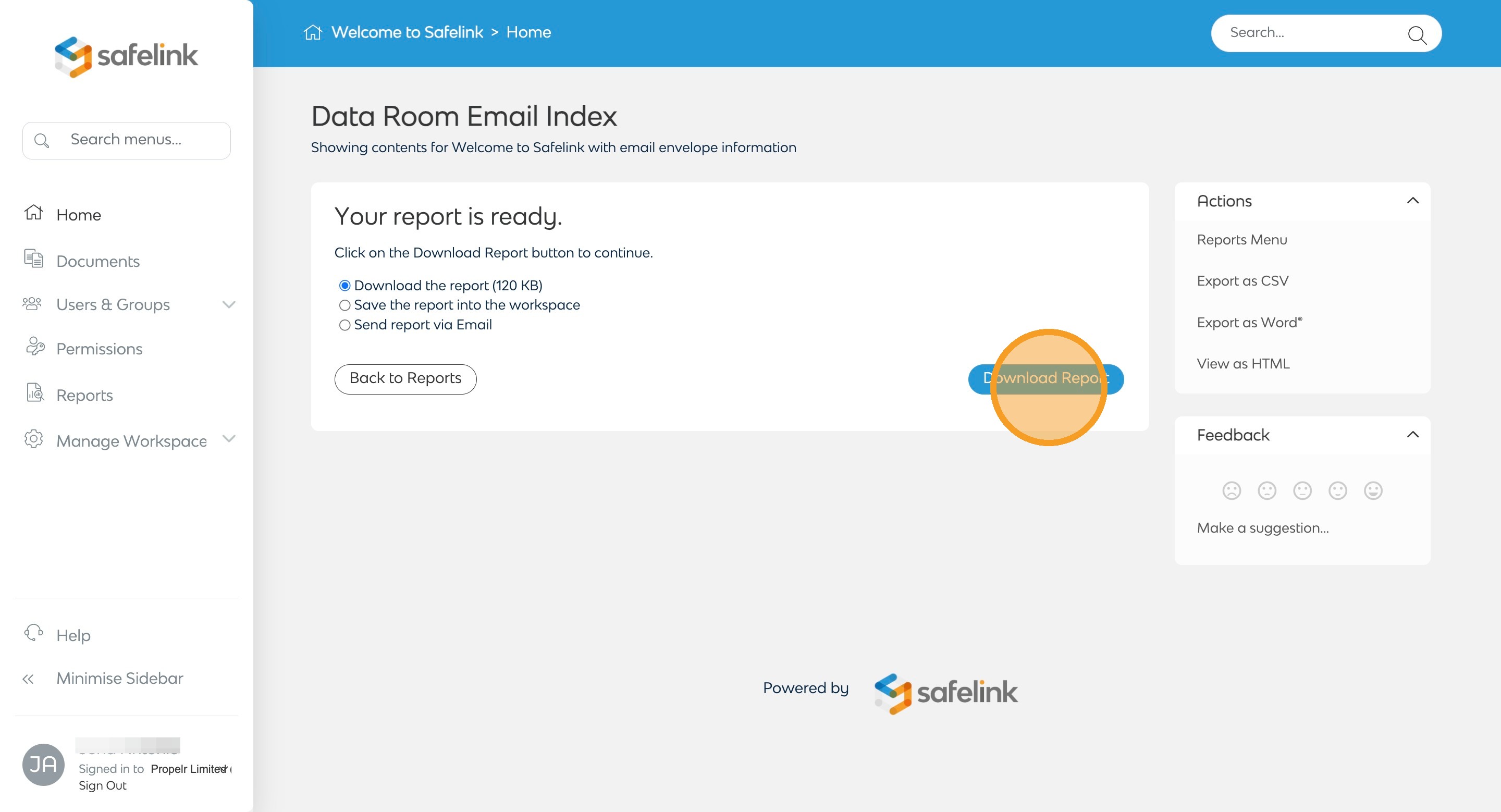
Data Room Email Index Report is generated sequentially at the point of export does not reflect the numbering of folders and documents within the data room.